
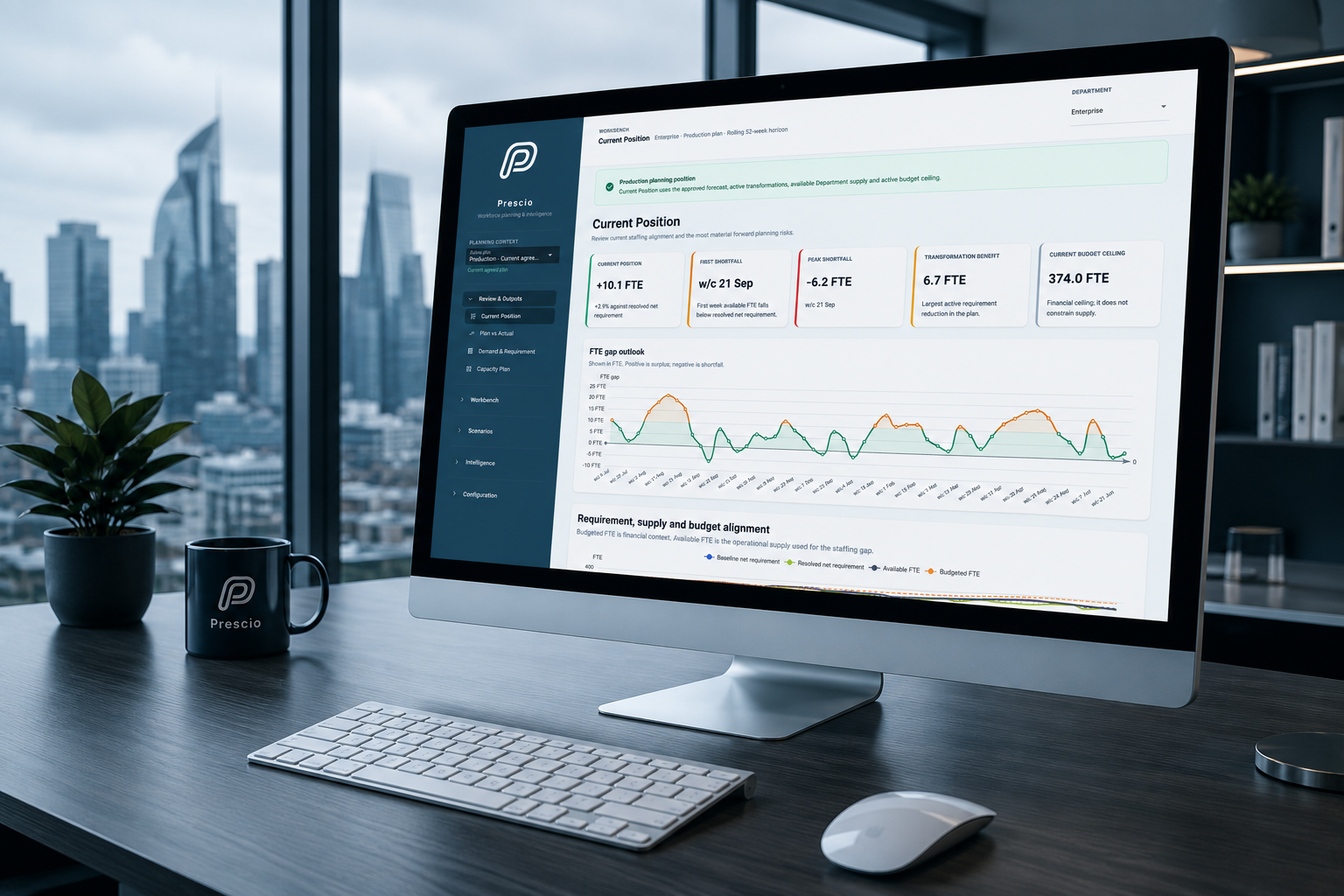
01
Forecasting
Find the forecasting method that works best for each area.
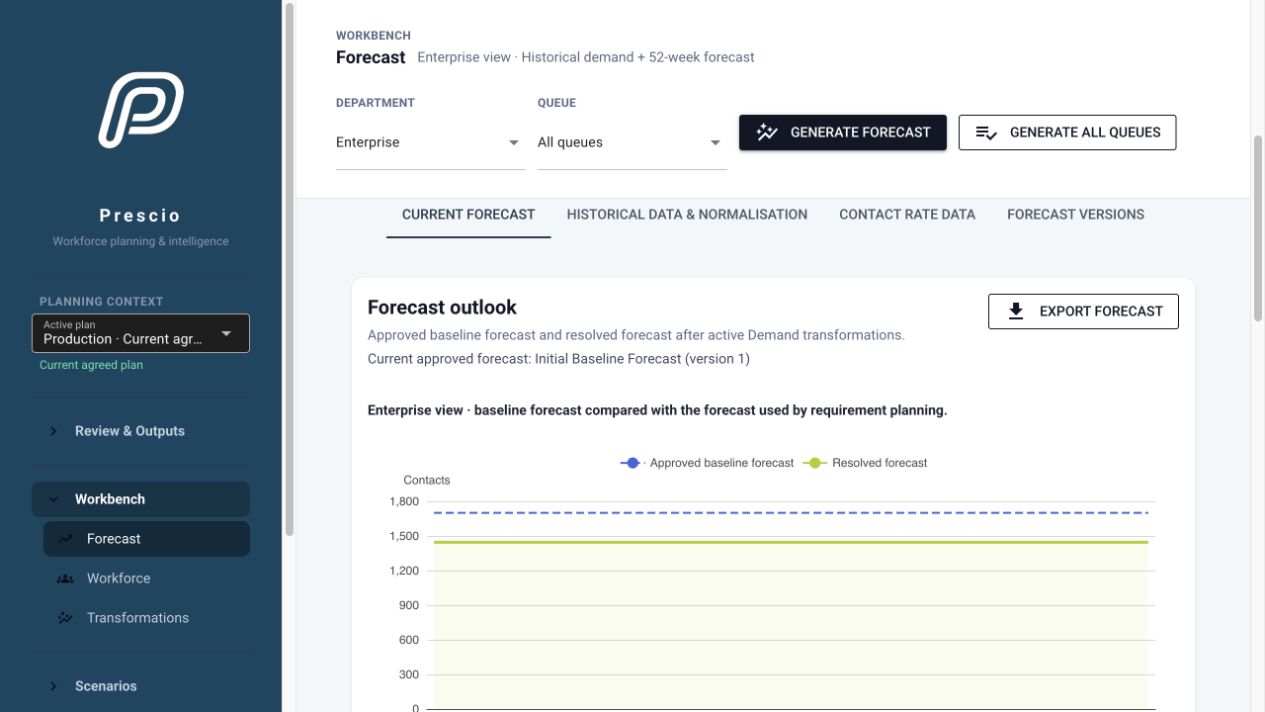
Prescio compares different methods with what actually happened in the past. It recommends a suitable approach while leaving the final choice with your planning team.
Workforce Capacity Planning Software
Prescio brings your core forecast, planned changes and alternative scenarios together in one long-range view. See how each assumption affects demand, staffing, capacity and cost—so you can address problems earlier and build a more efficient, achievable workforce plan.
The Planning Challenge
Forecasts, budgets, change programmes and people plans are often kept in different places. That makes it difficult to see whether they still agree.
Prescio brings them together in one clear view. You can see what has changed, why it changed and what it means for your customers, your people and your budget.
What Prescio Brings Together
01
Find the forecasting method that works best for each area.
Prescio compares different methods with what actually happened in the past. It recommends a suitable approach while leaving the final choice with your planning team.
02
See how planned changes could affect the workload and the people needed.
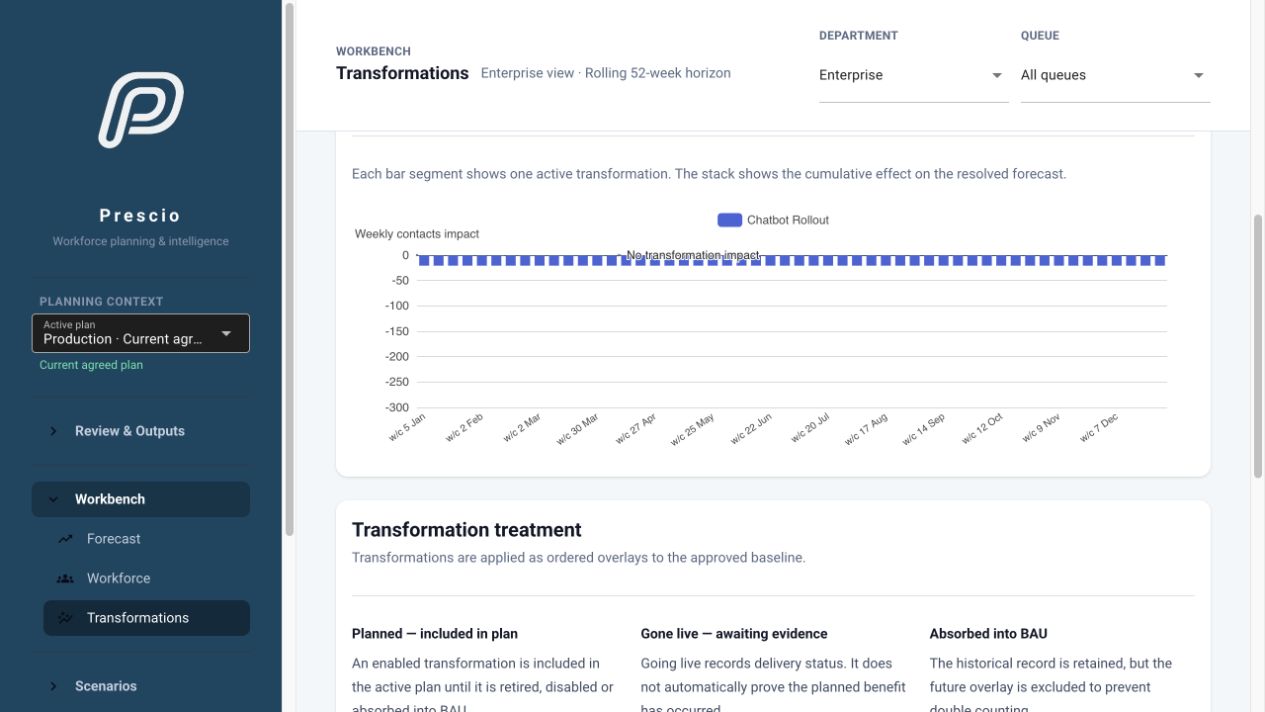
Add automation, channel changes and other plans without losing the original forecast. See when the benefits should arrive and what happens if they are late or smaller than expected.
03
Plan the way operational teams actually work.
Plan teams that support more than one type of work. See which areas are creating pressure without pretending every person belongs to only one queue.
04
Apply the right planning method to each workload.
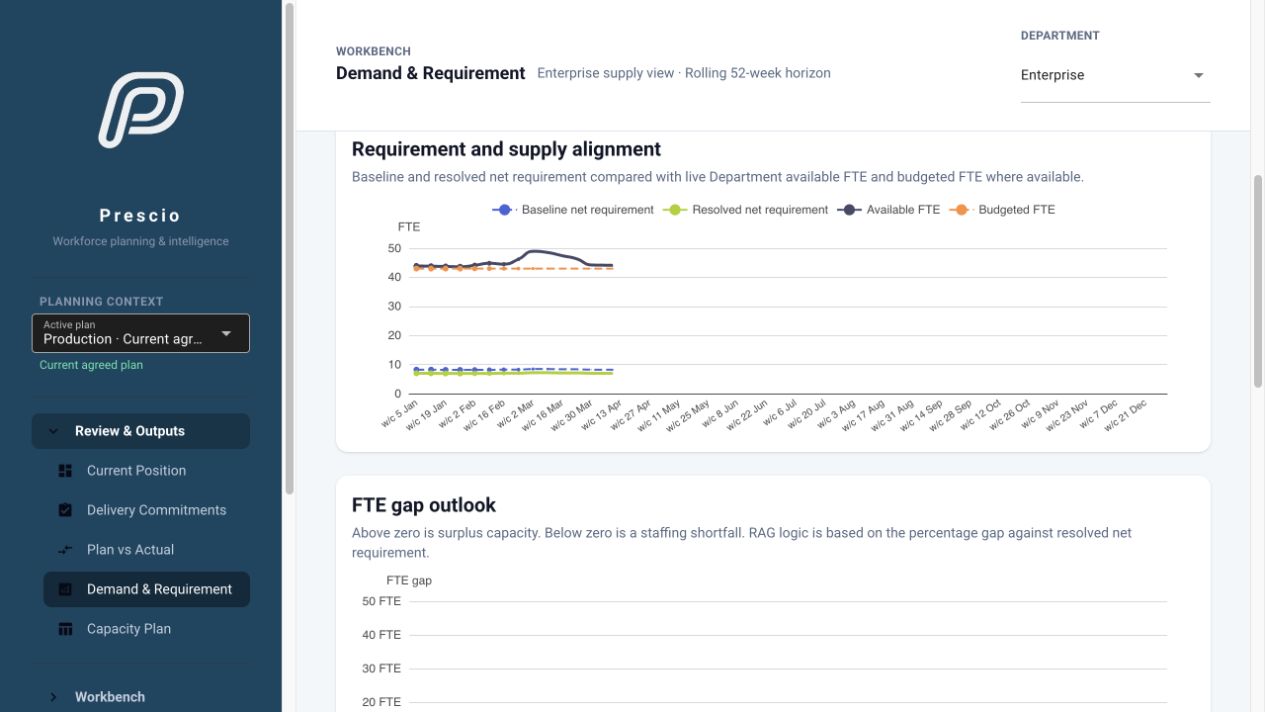
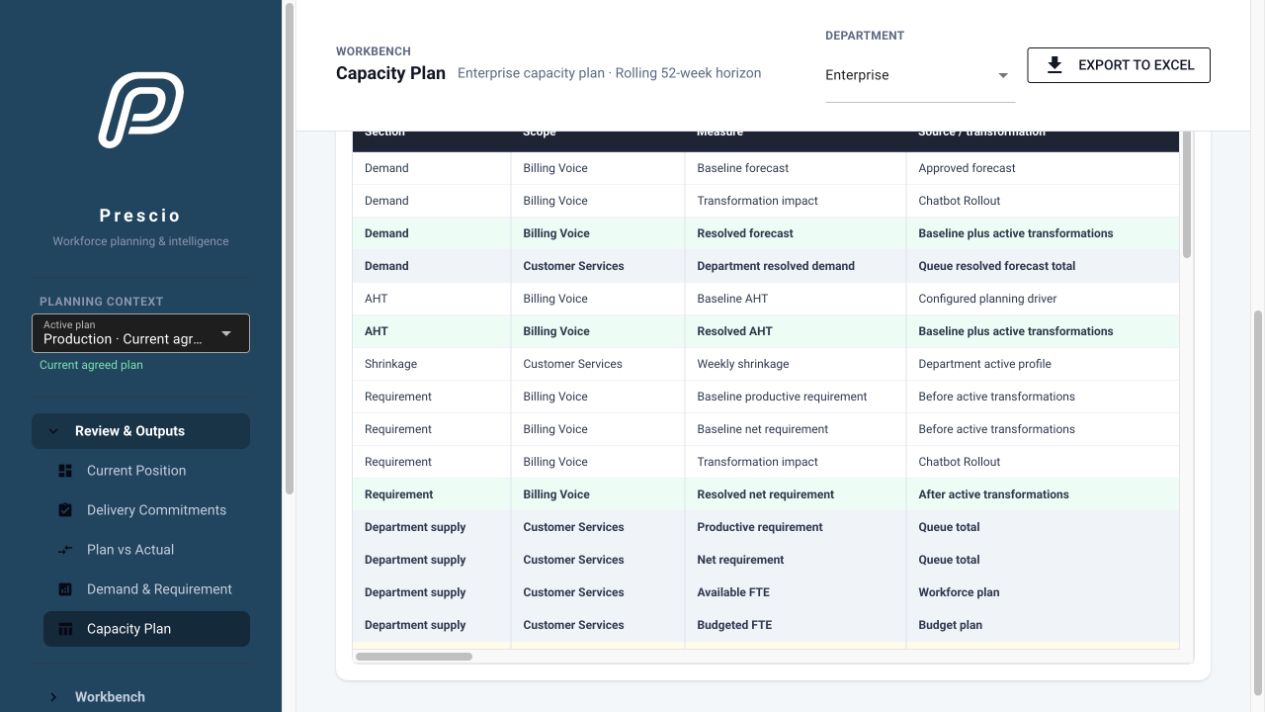
Use the right calculation for calls, back-office work and concurrent chat. Prescio turns each type of demand into a clear people requirement.
05
Model how capacity really changes over time.
Add recruitment, leavers, training time, temporary staff and internal moves. See when those changes will genuinely affect capacity.
06
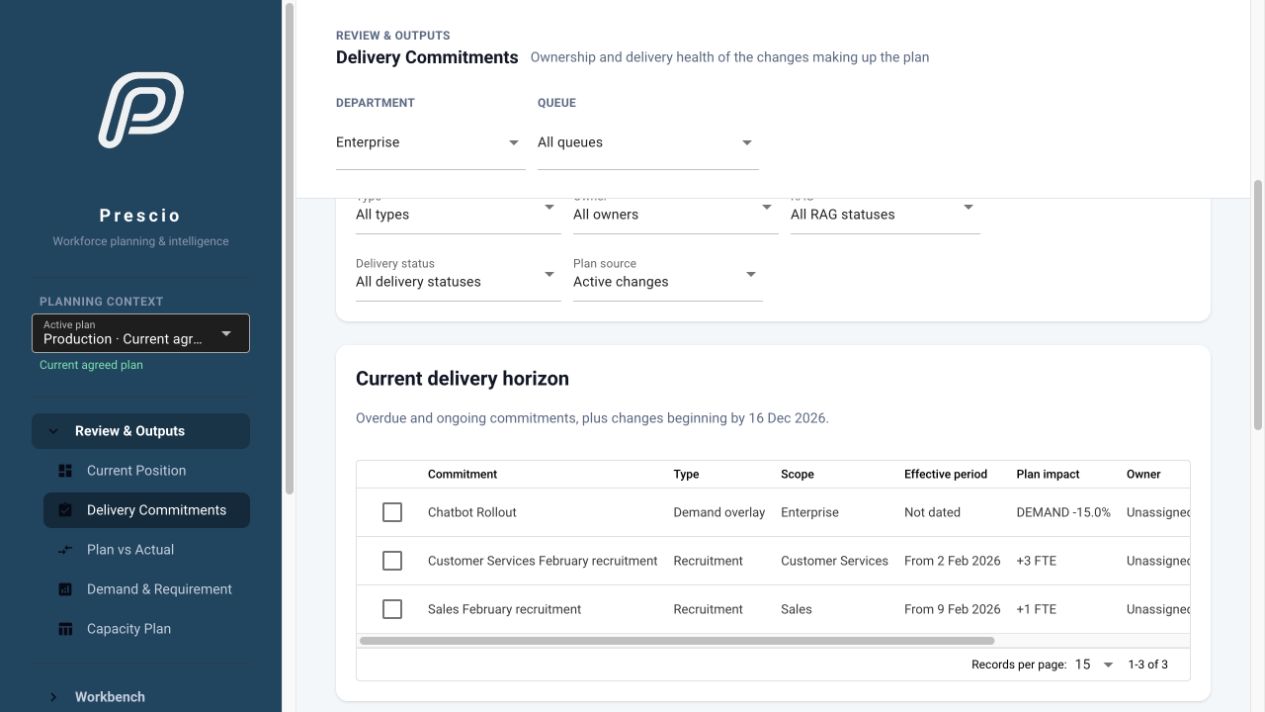
Turn changes in the plan into clear actions with owners and review dates.
Prescio surfaces the actions and dependencies needed to deliver the plan. Assign an owner, set a date, show whether each commitment is on track and review progress regularly using a simple red, amber and green status.
07
Compare different possibilities before changing the agreed plan.
Try different forecasts, timings and workforce choices in a safe copy of the plan. Compare the results before deciding what to adopt.
08
See whether the people plan and the budget support each other.
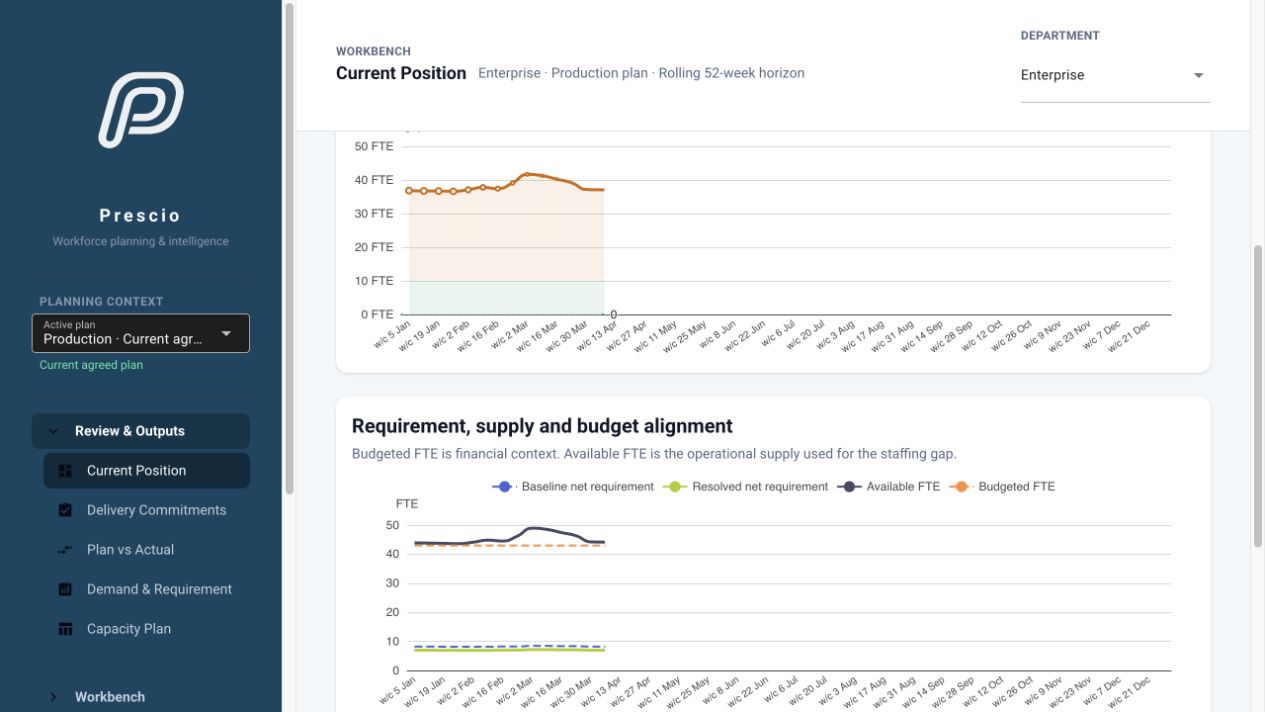
Bring the work, available people, planned actions and budget together. Spot future shortages, surpluses and affordability concerns early.
09
Compare the plan with what really happened.
Review actual demand, handling time and service performance against the approved plan. See where results are moving outside the expected range.
10
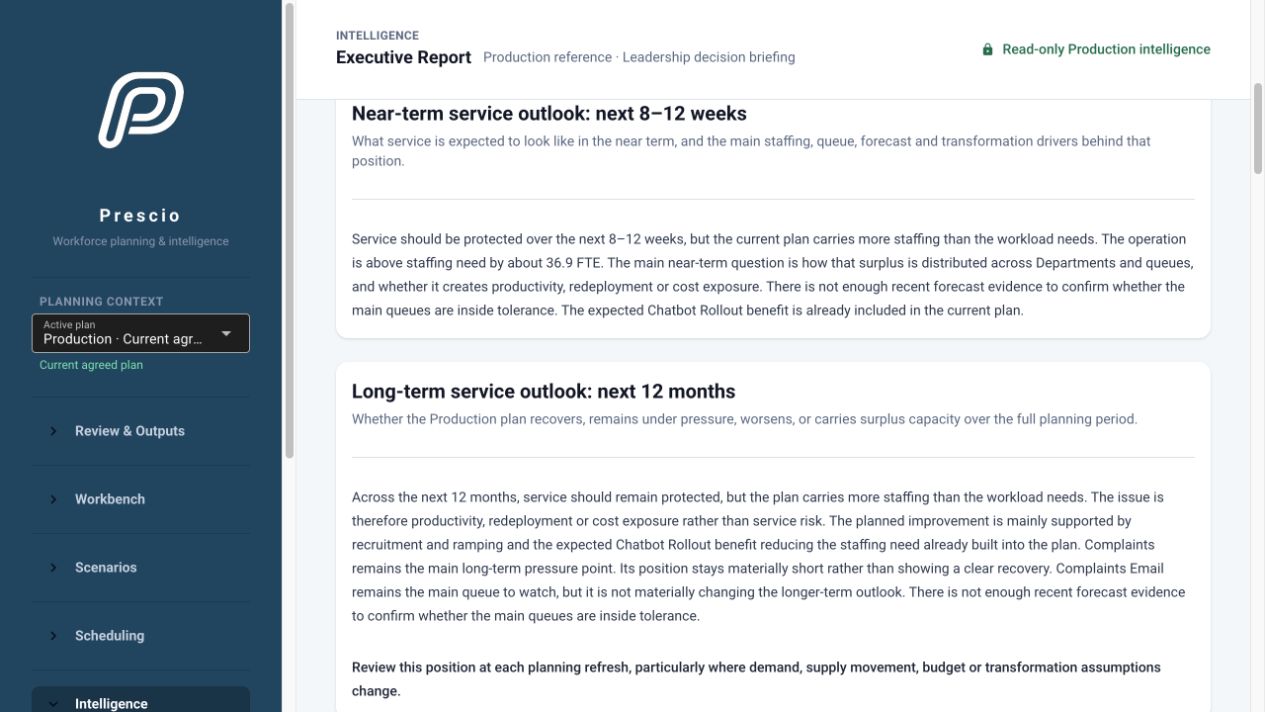
Give leaders a clear view of what needs attention.
Bring together the most important pressures, risks, commitments and choices. Create a clear summary that can be shared with leaders.
Questions Prescio Helps Answer
What happens if a planned benefit arrives late?
What if fewer customers move to self-service?
What if the work left for people becomes harder?
When might we have too few—or too many—people?
Does the budget match the number of people we need?
Are the actions needed to deliver the plan still on track?
Inside Prescio
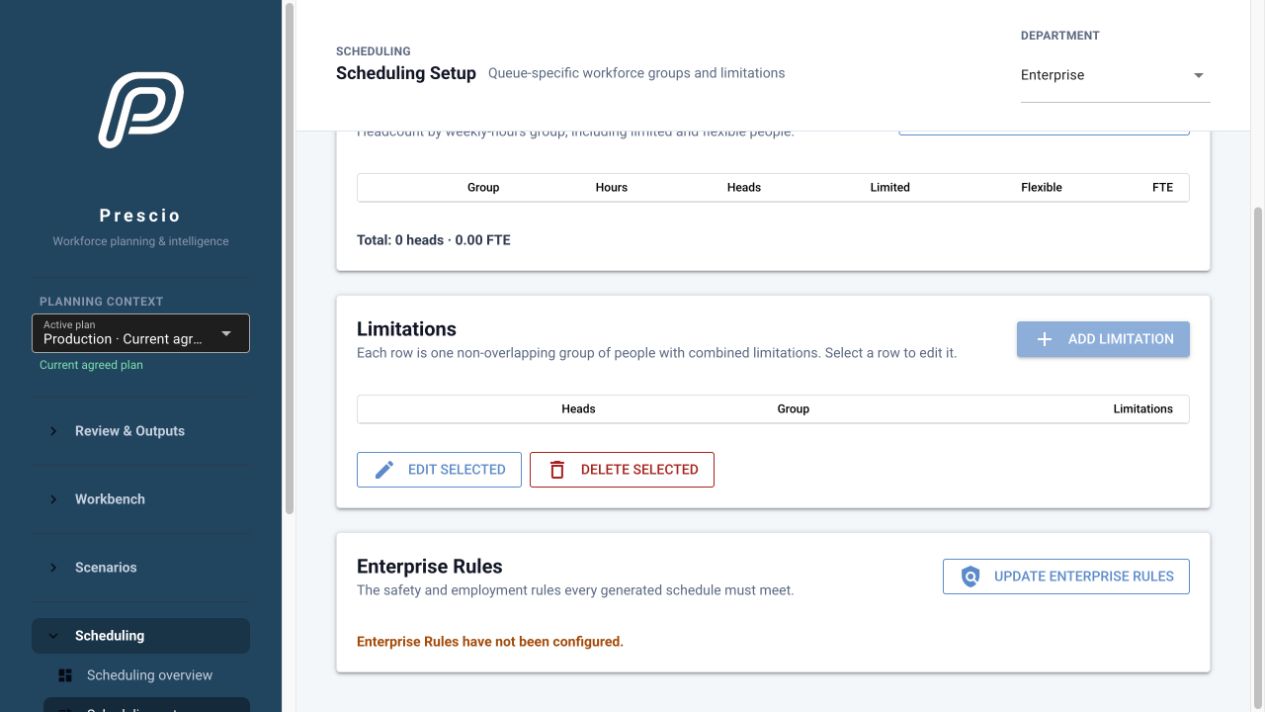
These screens use prepared demonstration data. They show how Prescio brings the different parts of the plan together; they do not represent a real client.
Implementation & Pricing
We work with your planning team to set up Prescio properly, bring in the agreed data and check that the starting position makes sense. The implementation price depends on the size and complexity of the model.
A Practical Return Threshold
Using an illustrative fully loaded workforce cost of £40,000 per FTE, the £24,000 annual subscription is equivalent to 0.6 FTE across a year. Including typical implementation, first-year break-even is approximately 0.8–1.0 FTE.
That return could come from a combination of:
This is an illustration, not a guaranteed return. A business case should use your own workforce costs, risks and agreed measures of value.
Prescio Professional
£24,000 per year
Excluding VAT. Annual subscription.
Security & Support
People only see the parts of Prescio and the client information they are allowed to use.
Each client's operational information is kept separate within Prescio.
Sign-in and important administrative activity is recorded.
Standard support is available Monday to Friday, 09:00–17:00 UK time, excluding public holidays.
We can provide more detailed security, data and support information as part of the buying process.
Optional Scheduling Add-on
For teams that do not have workforce-management software, Prescio can also help turn the staffing requirement into a workable set of shifts and weekly patterns.
The add-on creates an anonymous team-level shift plan. It does not assign named employees, manage leave or replace day-to-day employee rostering.
Frequently Asked Questions
What it is, who it is for and what you need to get started.
Prescio is workforce capacity planning software. It brings forecasts, workforce plans, budgets and planned changes together so you can understand your longer-term staffing position and make decisions before problems become urgent.
Prescio is for workforce planners, operational leaders, finance teams and change teams in contact centres and service operations. It is particularly useful when long-range plans are spread across spreadsheets or different teams are working from different assumptions.
It gives you more time to respond. You can identify future staffing gaps, understand the cost of different choices, plan recruitment or redeployment earlier and test whether expected efficiencies are realistic before they are committed to the plan.
The starting point is normally a demand forecast, information about your current workforce and the assumptions used to calculate staffing requirements. Budget, recruitment, attrition and planned change information can then be added where it is available. We agree the exact requirements with you during implementation.
No. Prescio makes assumptions visible, so gaps and uncertainties can be identified rather than hidden inside a spreadsheet. We establish an agreed starting point and improve the plan as better information becomes available.
No. Prescio focuses on longer-range workforce and capacity decisions rather than day-to-day employee scheduling, adherence and intraday management. It can work alongside your existing WFM system. An optional team-level Scheduling tool is available if you do not have one.
Yes. You can compare alternative assumptions and layer planned changes over the core forecast to see how they affect demand, staffing requirements, capacity and budget over time.
You can review the position through charts, tables and leadership reporting, compare options and track the commitments needed to keep the plan on course. Key information can also be exported for wider use.
The annual subscription includes access to Prescio, product updates and standard UK business-hours support. Initial implementation, the optional Scheduling tool and any additional integrations or consultancy are priced separately.
Why Prescio
Your planners know the operation and remain in control of the choices they make.
Prescio brings their work together and makes the plan easier to understand, explain and update. It works alongside scheduling and day-to-day workforce management systems.
A clearer plan. Shared assumptions. Actions people can own.
See Prescio
We use prepared example data to show how Prescio works from forecast through to workforce, budget, actions and reporting. The demonstration explains the product; it does not model or predict your organisation's results.